A thoughtful home office tech gift can make daily work smoother, from clearer calls to a tidier desk. The right fit depends on how the recipient works and what devices they already use.
These ideas range from small desktop helpers to larger upgrades for audio, networking, and workspace setup. Check compatibility and available space before choosing.
18 Home Office Tech Gift Ideas for Remote Workers
SABRENT USB-C 6-Port Hub & M.2 SSD Dock

- Adds three USB Type-A ports for peripherals.
- Connects to an external display through HDMI 2.0.
- Includes an internal M.2 slot for an SSD.
Best Gift For: A laptop user who wants more desk connections and portable storage options.

SHOKZ OpenRun Pro Bone Conduction Headphones
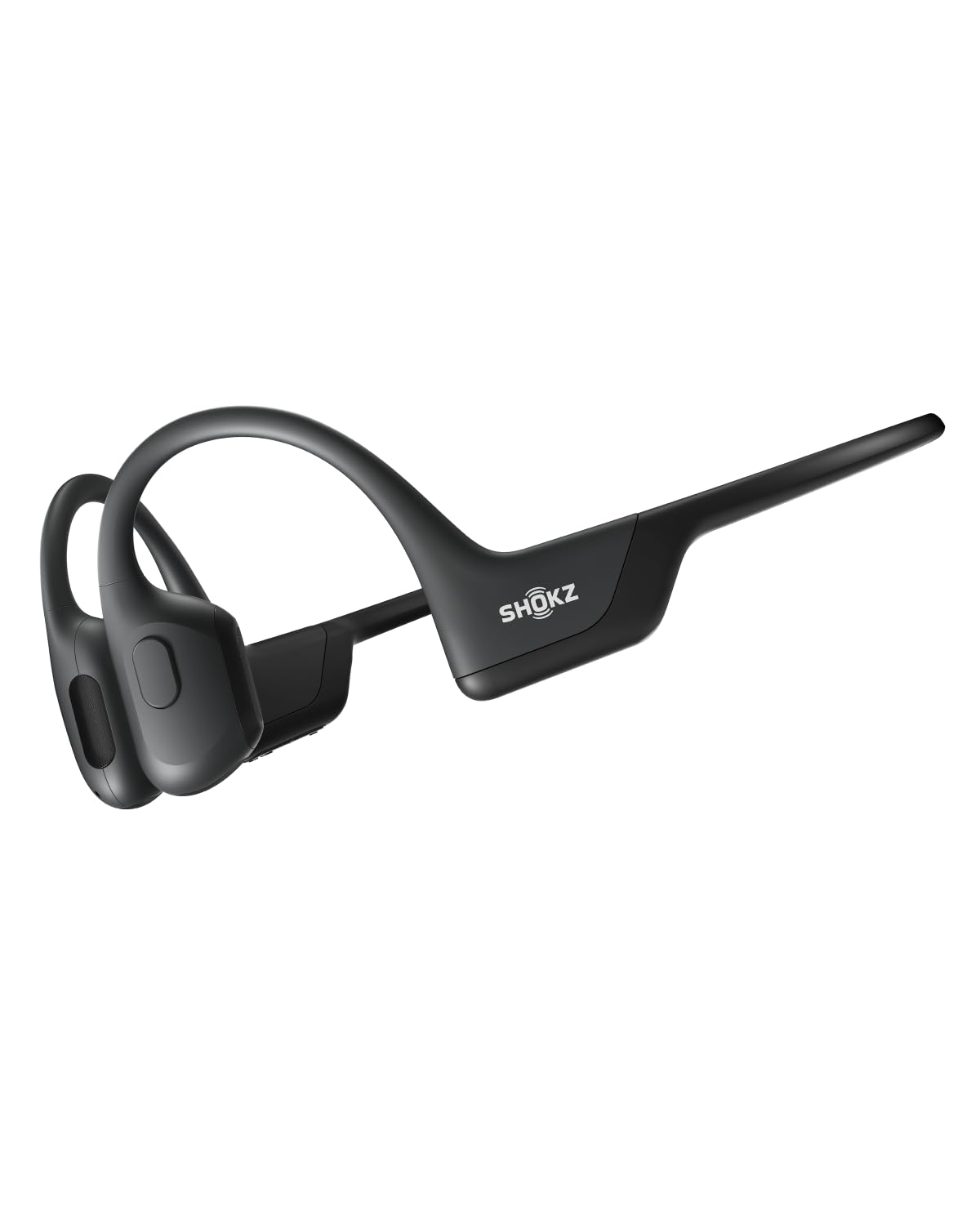
- Bud-free, open-ear design for workouts and listening.
- A wraparound titanium frame helps keep them in place.
- Listen to music, calls, and podcasts for extended sessions.
Best Gift For: A home worker who enjoys podcasts or calls while keeping ears free from earbuds.
TAGRY True Wireless Bluetooth Earbuds
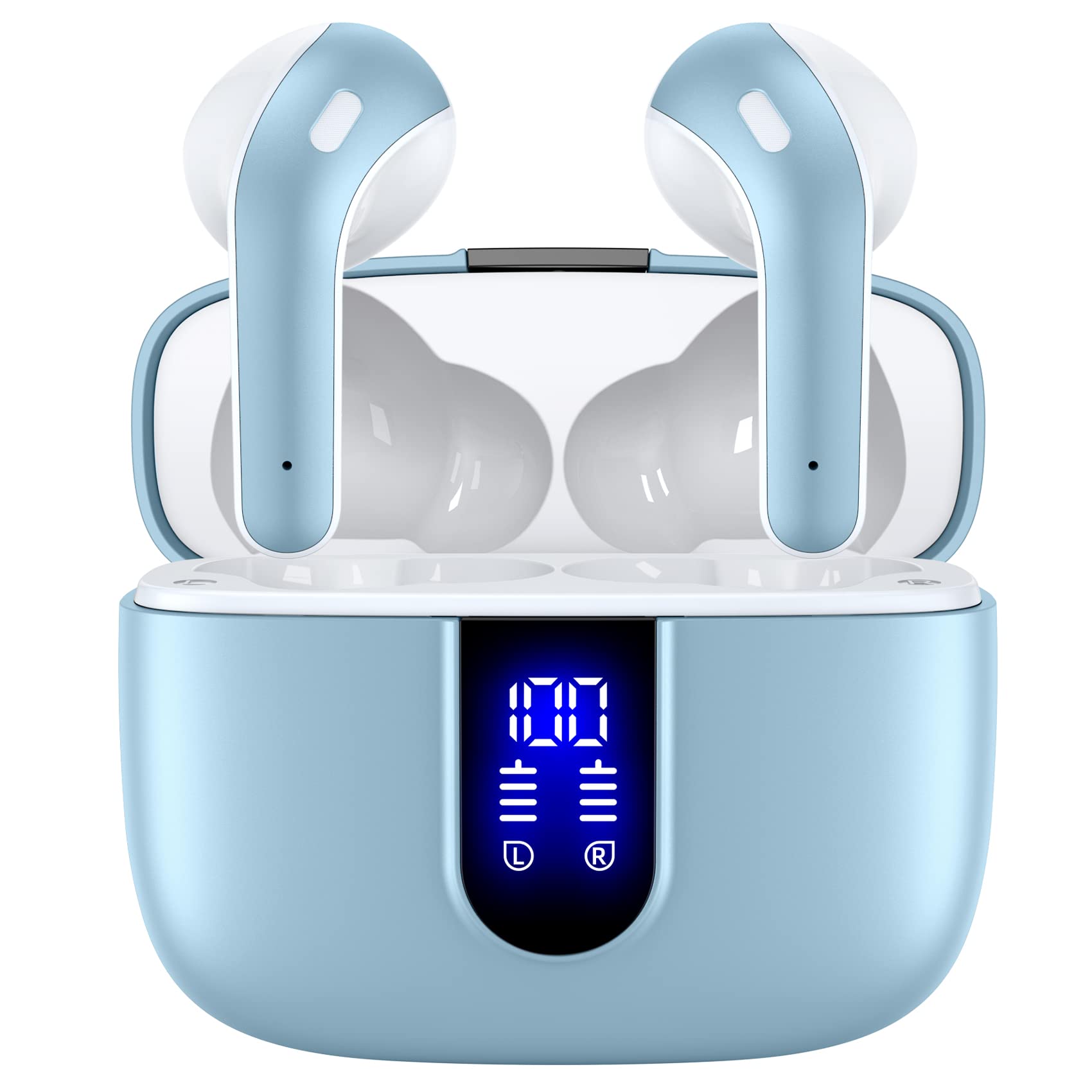
- The case supports wireless and USB-C charging.
- Touch controls handle music, volume, calls, and voice assistant.
- Includes three different sizes of ear tips.
Best Gift For: Someone who prefers compact wireless earbuds for calls, reading, and everyday listening.
KODAK Dock Plus 4x6 Photo Printer
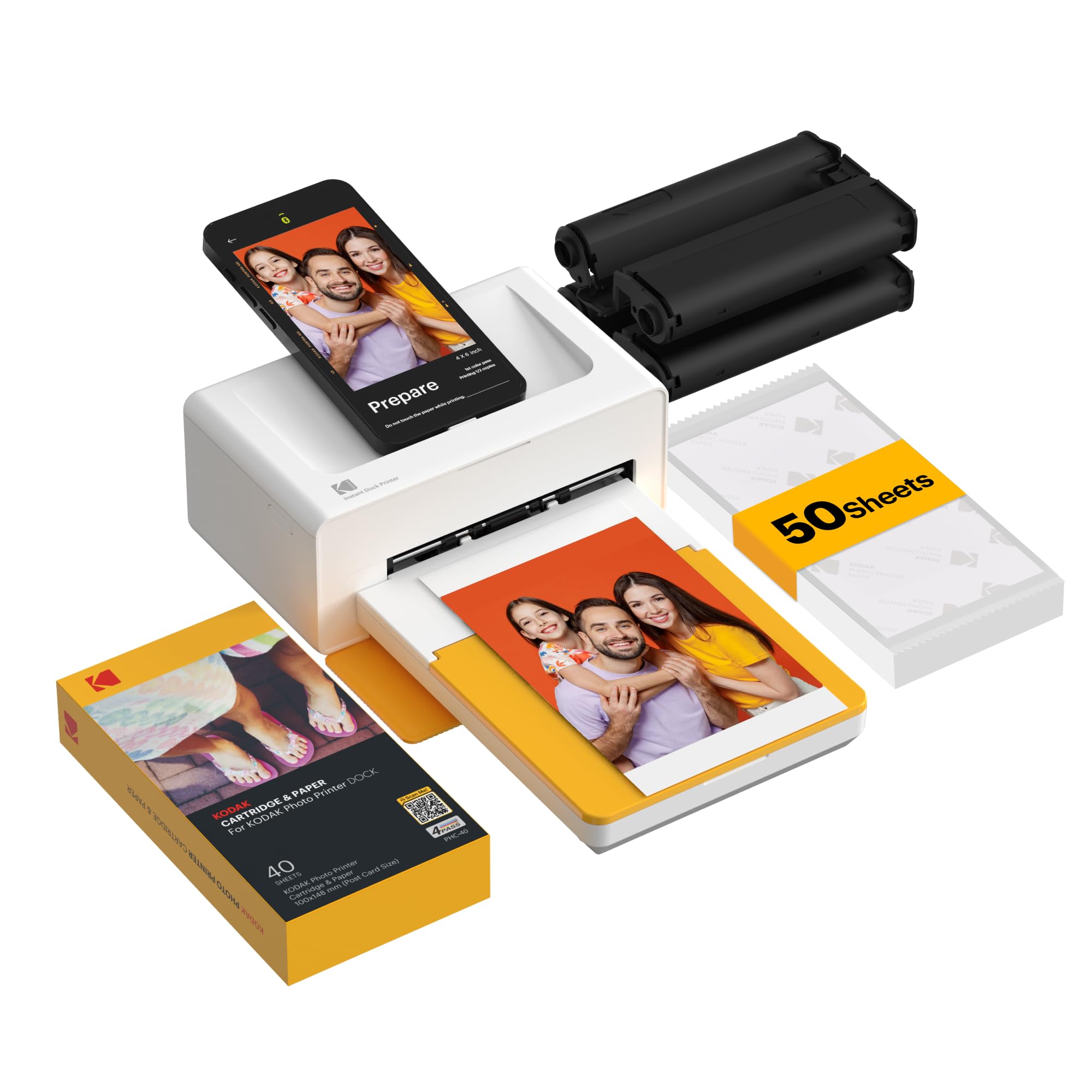
- Prints photos from compatible smartphones.
- The docking station can charge a phone during printing.
- Edit, crop, and customize pictures in the printer app.
Best Gift For: A photo lover who wants to print phone pictures for a desk, album, or frame.
HUANUO FlowLift Dual Monitor Stand

- Each arm supports monitors weighing 4.4 to 19.8 lbs.
- Arms allow tilt, swivel, and rotation adjustments.
- Cable management routes wires along the arms.
Best Gift For: A home worker with two compatible monitors and a suitable wooden desk.
TMY 1080P Mini Portable Projector with Screen
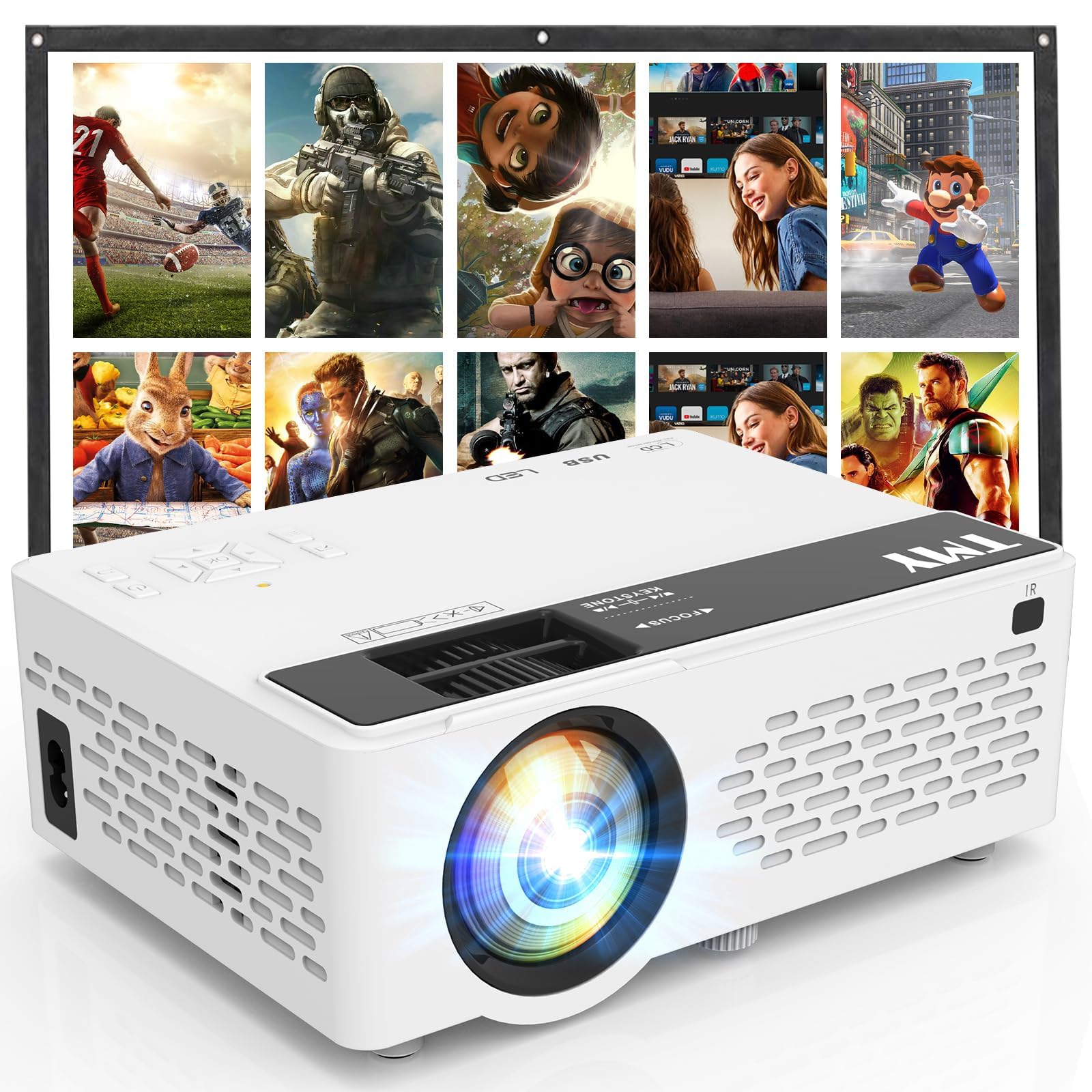
- Comes with an 80-inch foldable projection screen.
- Supports 1080P Full HD video.
- Bluetooth can connect to speakers or play audio from the projector.
Best Gift For: A movie fan who likes turning a room or backyard into a shared viewing space.
JLab Go Work Wireless Headset

- Connects wirelessly or with the included audio cable.
- Dual microphones support clear calls.
- The boom microphone rotates for listening or calls.
Best Gift For: A remote worker who moves between computer and phone calls during the workday.
FIFINE T669 USB Microphone Kit

- USB connection offers plug-and-play setup for PC and laptop.
- Includes an adjustable boom arm stand and pop filter.
- The arm can be adjusted to position the microphone.
Best Gift For: A home worker who records voiceovers, podcasts, or online conference audio.
BESTEK PD20W Power Strip Tower
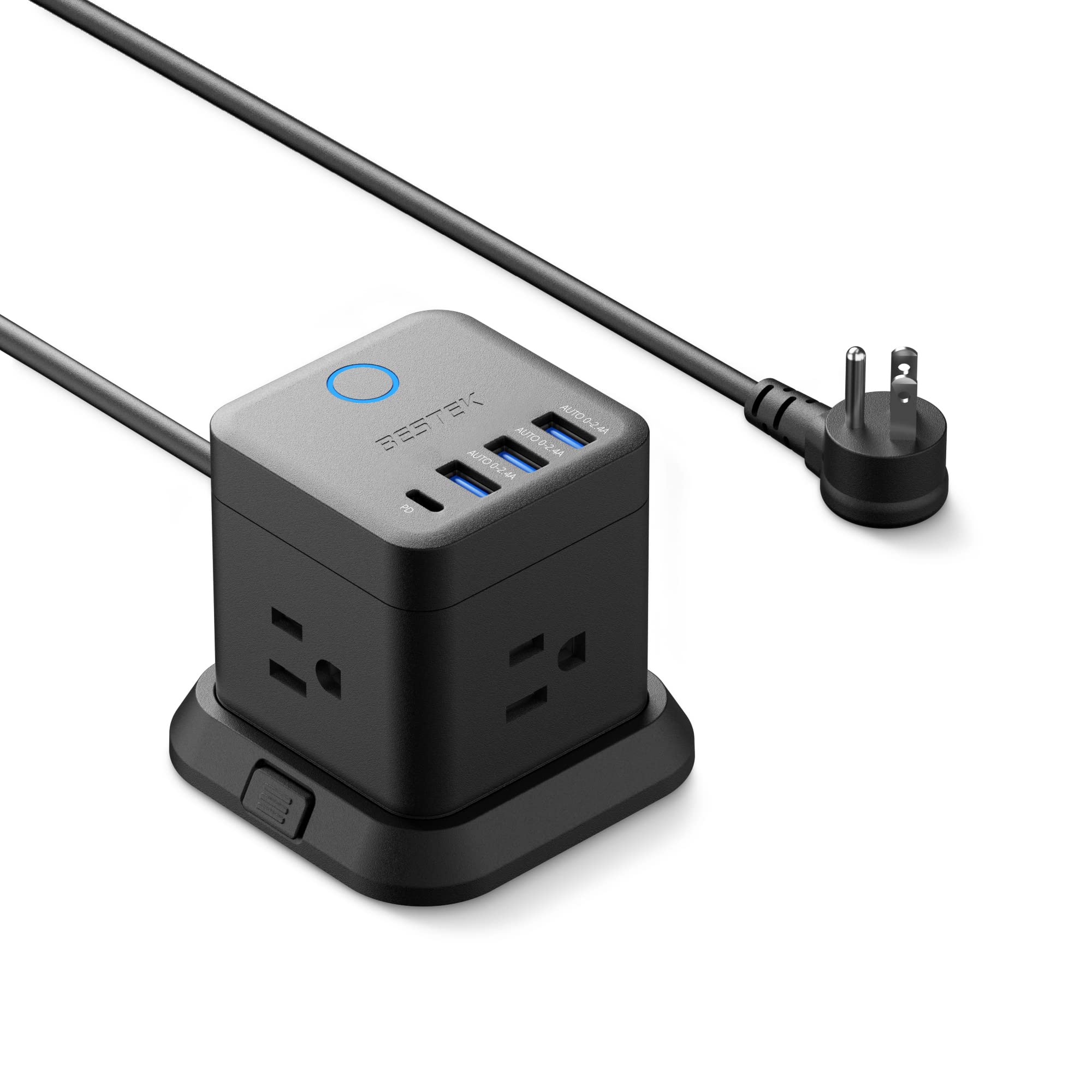
- Provides three outlets, three USB-A ports, and one USB-C port.
- The flat plug is designed to fit narrow spaces.
- Can be mounted on desktops, under tables, or on walls.
Best Gift For: Someone who wants a compact way to power several devices at a home desk.
Phomemo D30 Bluetooth Label Maker
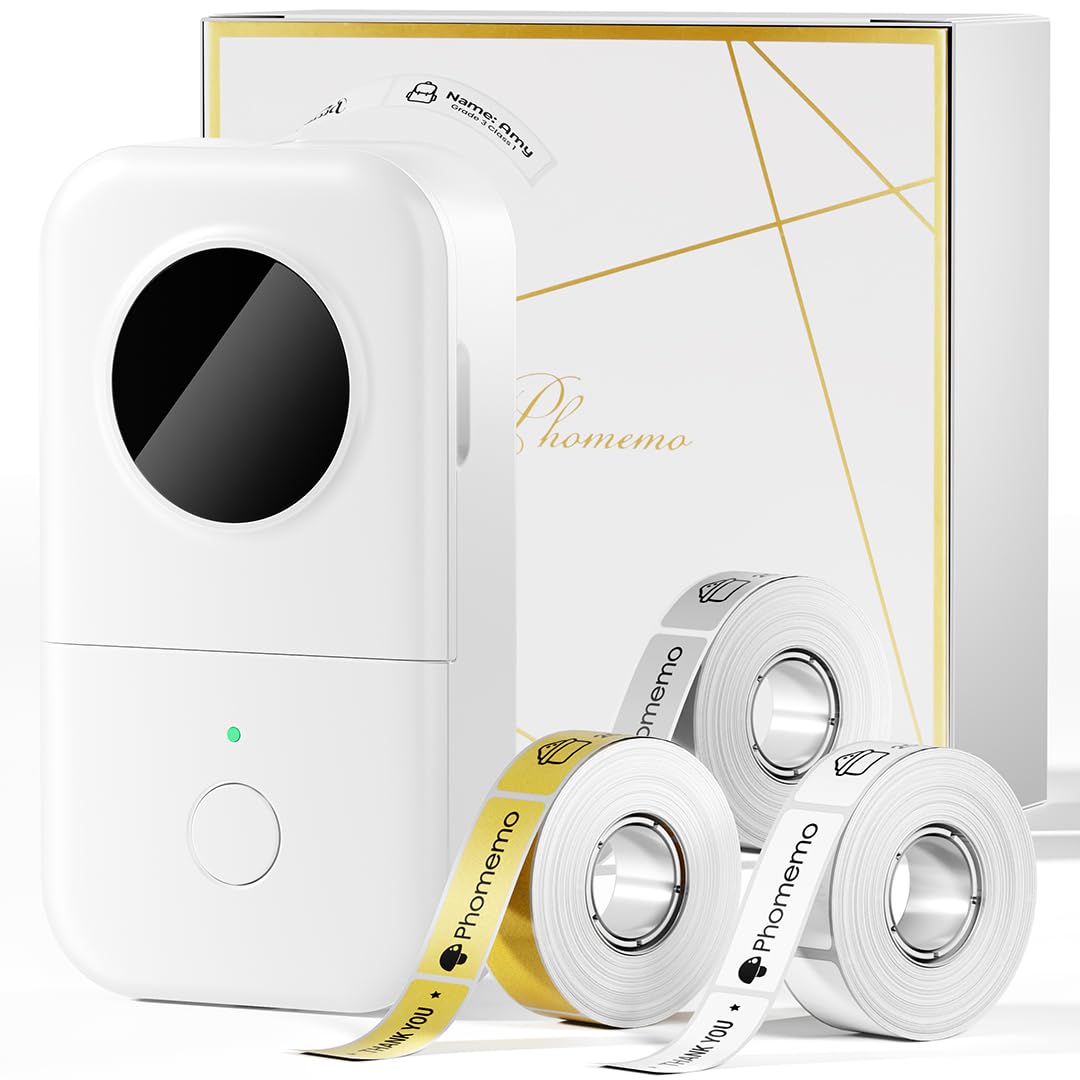
- Includes one white, one gold, and one clear tape.
- Prints without ink, toner, or ribbons.
- Create labels from a mobile device over Bluetooth.
Best Gift For: A detail-minded desk worker who labels files, cables, and office supplies.
TP-Link AXE5400 Tri-Band WiFi 6E Router

- The 6 GHz band brings more bandwidth and faster speeds.
- OneMesh can connect with a TP-Link OneMesh Extender.
- Includes VPN server and client support.
Best Gift For: A home-based worker seeking a networking upgrade who can confirm modem and provider compatibility.
SteelSeries Apex Pro Wired Gaming Keyboard

- Offers per-key adjustable actuation across 40 levels, from 0.1 to 4.0 mm.
- The OLED display shows information from games and apps.
- USB passthrough connects another USB-powered device.
Best Gift For: A keyboard enthusiast who likes adjustable key response and a display for game or app information.
Audioengine A2+ Wireless Computer Speakers

- Stream audio wirelessly from phones, tablets, and computers.
- Connect a computer through USB-C.
- The cabinets are made from real wood.
Best Gift For: A music, podcast, or video-call listener who wants powered speakers for a desk.
Nulaxy Pull-Out Height-Adjustable Laptop Stand

- Adjusts screen height for sitting or standing positions.
- The foldable design helps save desk space.
- Supports up to 22 lbs.
Best Gift For: A laptop user who switches between sitting and standing at a desk.
SteelSeries Rival 5 Programmable Gaming Mouse

- Programmable layout has nine buttons.
- Includes five quick-action side buttons.
- The optical sensor uses true 1-to-1 tracking.
Best Gift For: A home worker who values extra programmable buttons for fast-paced computer tasks and games.
LISEN 3-in-1 Travel Power Bank
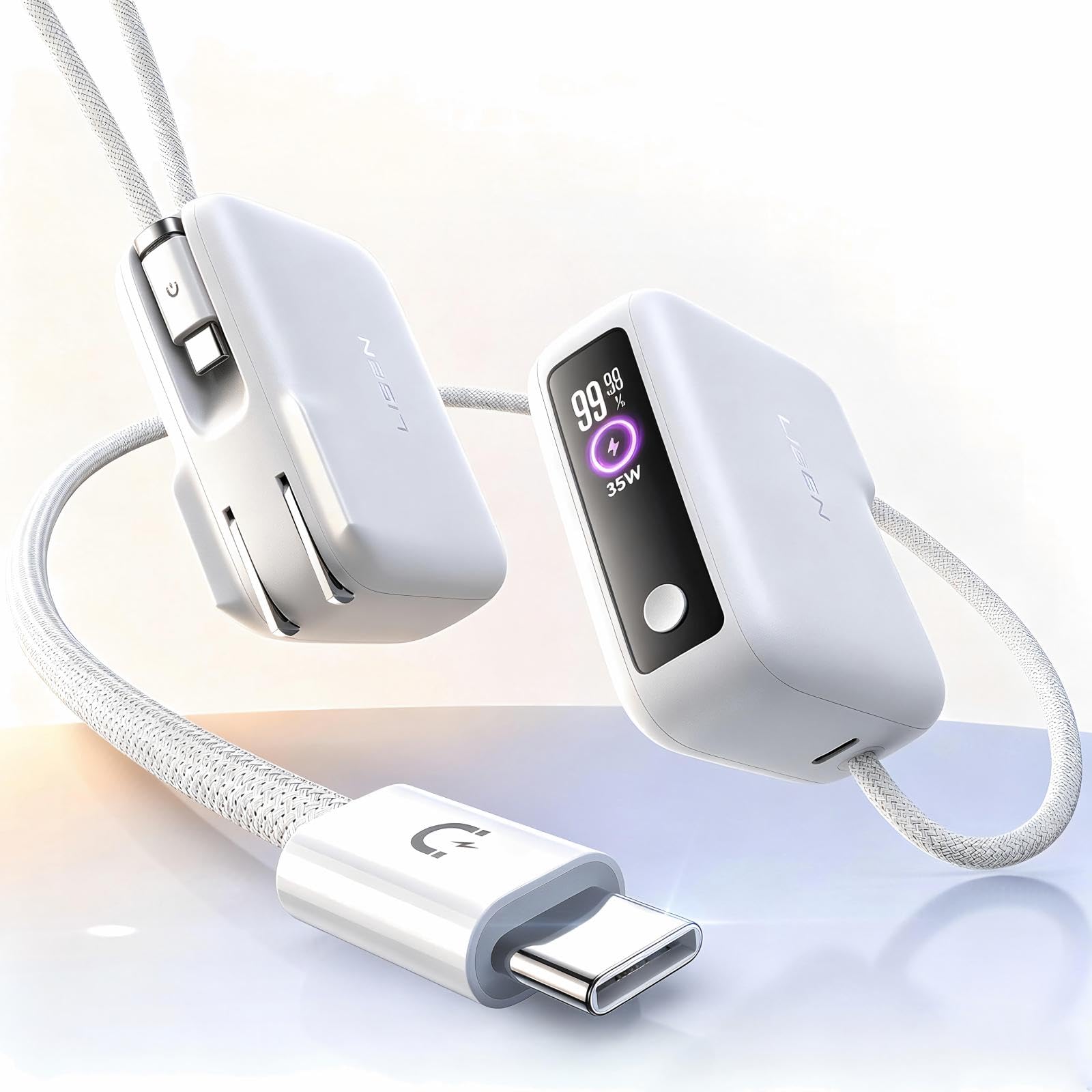
- Combines a wall plug and portable power bank.
- The built-in cable measures 3.3 feet.
- Its capacity is 7000mAh.
Best Gift For: A remote worker who carries a phone between home, a coworking space, and other outings.
SABRENT USB-C & USB-A SD Card Reader

- Works with USB-C and USB-A ports.
- Reads SD and Micro SD card formats.
- Plug-and-play use requires no drivers or software.
Best Gift For: A desk worker who transfers photos or files from SD and Micro SD cards.
MAONO Wave T5 Wireless Lavalier Microphone

- Offers four one-tap voice filters.
- Noise cancellation has three modes and 14 levels.
- The charging case provides 40 hours of total use.
Best Gift For: A home worker who records presentations, lessons, or video content on a compatible device.
Choosing home office tech gifts for everyday work
For home office tech gifts, start with the part of the workday that creates the most friction. Someone who switches between a laptop and a phone may appreciate a headset that connects to both, while a person juggling storage devices and displays may benefit more from a hub.
Ask casually about the desk setup or notice which tasks require workarounds before deciding.
Consider the recipient’s routine as well as the device. A frequent video caller has different needs from someone who mainly writes, reads, or listens to audio.
A microphone or headset may suit calls and recordings, while a stand or monitor mount can help arrange the workspace. Choose an upgrade that supports a habit they already have.
Balance the gift with the setup
A small accessory can feel especially useful when it solves one recurring annoyance. Card readers, cable organizers, and compact charging solutions are easy to understand as gifts, while larger equipment may need more planning.
Keep the recipient’s existing computer, phone, and other devices in mind before choosing connections or accessories.
For a larger workspace change, confirm practical fit before buying. Monitor mounts need compatible screens and desks; stands need to suit the laptop and available surface.
Networking equipment may require a modem or other existing hardware. A quick check with the recipient can prevent a generous gift from becoming a setup project they did not ask for.
Set a qualitative budget by deciding whether you want a small everyday helper or a more substantial desk upgrade. Check actual prices before purchase, since they can change.
For a bigger item, consider whether the recipient has room for it and whether the gift might call for an additional cable, accessory, or compatible device.
Personalize home office tech gifts
Home office tech gifts feel more personal when they reflect the recipient’s work style. A colleague who likes orderly systems may enjoy tools for labeling or arranging a desk, while someone who shares recordings or presentations may value equipment that supports clearer audio.
A photo printer could suit a person who likes keeping family pictures close by during the workday.
Presentation can make a practical item feel considered. Pair a desk accessory with a handwritten note naming the routine it might simplify, or wrap a larger gift with a small card suggesting a first use, such as setting up a dedicated call space.
Avoid assuming a specific hobby; let the recipient’s known interests guide the message.
For shared workspaces, consider how the item will affect other people in the room. Speakers or a projector may be best for someone with space and control over the environment, while headphones or a compact accessory can suit a shared room.
When in doubt, choose something that fits the recipient’s habits and workspace rather than adding another task.
Last-minute home office tech gifts shopping
When time is short, choose familiar connections and uncomplicated setup where possible. Still verify the exact device compatibility, cable or port needs, and dimensions before ordering.
A product that looks simple can depend on the recipient’s computer, phone, monitor, or desk, so a quick text can save a return or awkward surprise.
Check delivery estimates at checkout and leave room for delays; do not assume a particular arrival date. If timing is uncertain, present a printed note describing the gift and let the recipient choose when to set it up.
Include a simple plan for exchanging it if their devices or workspace are not a match.
For a fast decision, think in terms of the recipient’s next workday: what would make a call, charging break, file transfer, or desk reset easier? Match the gift to that moment, then confirm the practical details.
The best presentation is clear about what the gift is for and gives the recipient room to make it their own.