This JLab Go Work review looks at a work-focused on-ear headset that combines wireless and wired connections with a rotating boom microphone. Its strongest fit is a buyer who moves between computer work, mobile listening, and calls.
Go Work Review Summary
The quick verdict

10,000+ ratings
Read Amazon ReviewsJLab Go Work
A work-focused headset for buyers who want long listening time, flexible device connections, and a boom microphone that moves aside between calls.
- Bluetooth multipoint connects to two devices simultaneously.
- A USB-C to 3.5mm AUX cable supports wired use.
- The boom microphone rotates away for listening and back into position for calls or video conferences.
- Dual microphones are used for calling, with one intended to pick up voice and the other to reduce environmental sounds.

Pros
- Connects to two devices simultaneously through Bluetooth multipoint.
- Includes a wired connection option alongside Bluetooth.
Consider before buying
- The on-ear format may not suit buyers who prefer a different headphone fit; consider how on-ear earpieces work for your listening routine.
- For frequent calls in windy outdoor settings, check microphone performance in those conditions before relying on it for work.
Read the full review summary
Go Work offers practical work flexibility: Bluetooth multipoint connects two devices simultaneously, and the included USB-C to 3.5mm cable gives you a wired option.
The rotating boom microphone moves aside for listening and back down for calls or video conferences.
The stated 45+-hour workweek of playtime and Cloud Foam earcups point toward extended desk use, and onboard controls cover calls, volume, mute, and track actions.
It suits people who want one headset for computer and mobile routines; buyers focused on call performance in noisy or windy spaces should check whether its microphone arrangement fits those conditions.
The buying factors
Go Work Scorecard
Editorial scores reflect listed features and buyer fit; they are not laboratory measurements or customer ratings.
Workday listening fit
The 45+-hour workweek of playtime is a useful fit for buyers who prefer fewer charging interruptions across work and general listening.
Device flexibility
Bluetooth multipoint supports simultaneous connections to two devices, with an included cable for wired listening.
Call-oriented design
A dual-microphone setup and repositionable boom make calls a central use case, though this feature set alone cannot establish performance in challenging environments.
On-headset controls
The headset has controls for call handling, volume, mute, playback, and track control, plus a visible red mute indicator on the boom.
Listening modes
Work and Music EQ settings offer a simple choice between two intended listening profiles without suggesting extensive sound customization.
Included connection options
Wireless use is complemented by a USB-C to 3.5mm cable, which gives buyers a direct wired option when useful.
Key Features and Specifications of Go Work
- Bluetooth multipoint connects to two devices simultaneously.
- A USB-C to 3.5mm AUX cable supports wired use.
- The boom microphone rotates away for listening and back into position for calls or video conferences.
- Dual microphones are used for calling, with one intended to pick up voice and the other to reduce environmental sounds.
- The headset offers 45+-hour playtime and Cloud Foam earcups.
- Headset controls cover playback, calls, volume, mute, and track control; the boom has a red mute indicator.
- Two EQ settings are available: Work and Music modes.
Pros and Cons of Go Work
Pros
- Connects to two devices simultaneously through Bluetooth multipoint.
- Includes a wired connection option alongside Bluetooth.
- The rotating boom can be moved aside between calls.
- On-headset controls include mute and a red indicator for mute status.
Consider before buying
- The on-ear format may not suit buyers who prefer a different headphone fit; consider how on-ear earpieces work for your listening routine.
- For frequent calls in windy outdoor settings, check microphone performance in those conditions before relying on it for work.
- The included wired cable is a USB-C to 3.5mm connection, so confirm it fits the devices and setup you plan to use.
Who Should Buy Go Work?
Good fit
Choose Go Work if your routine shifts between a computer and a phone and you want both connected through Bluetooth multipoint. The included wired cable adds another way to connect when wireless listening is not the right option.
It is also a sensible fit for buyers who take calls at a desk and want a boom microphone that can move aside for listening. The controls and mute indicator keep common call actions on the headset itself.
Who should skip it
Skip it if an on-ear headset does not suit your preferred fit or you need a microphone whose performance in wind has been confirmed for your specific work setting.
Its work-oriented controls and boom design do not answer that environmental performance question.
Go Work Review Analysis
Multipoint for a mixed-device desk
The clearest productivity benefit is the ability to keep two Bluetooth devices connected at once.
That suits a desk routine split between a computer and mobile device, while the USB-C to 3.5mm cable gives a wired fallback; confirm the connector works with your intended setup before depending on it.
A boom built around calls
The boom can be raised for listening and lowered for calls or video conferences, with dual microphones assigned voice pickup and environmental-sound reduction roles.
Those design choices make calls a priority, but buyers with frequent outdoor calls should check wind performance in their own conditions.
Controls reduce device reaching
Playback, calls, volume, mute, and track control are available on the headset, and the boom's red LED indicates when mute is on.
This is useful for meeting-heavy routines where quick access to call controls matters more than relying on a separate keyboard or phone.
Playtime and fit priorities
The 45+-hour workweek of playtime and Cloud Foam earcups are aimed at long sessions, while the on-ear placement is a fit preference buyers should weigh for themselves.
Work and Music EQ modes provide two straightforward profiles rather than a broad customization system.
Alternatives to Go Work
Battery-focused alternative

2,000+ ratings
Read Amazon ReviewsJLab Studio Wireless On-Ear Headphones
Choose Studio Wireless if foldability, multiple EQ presets, and travel-oriented packing matter most; choose Go Work if a rotating call boom and simultaneous Bluetooth connections to two devices better match your work routine.
- Studio Wireless offers Bluetooth 5, 30+ hours of playtime, three EQ presets, and a foldable design for travel or commutes.
- Its integrated microphone supports hands-free calls and voice commands.
- Go Work combines a rotating boom microphone with Bluetooth multipoint for two simultaneous device connections, making its design especially oriented toward calls and switching between devices.
On-Ear Headphones alternative
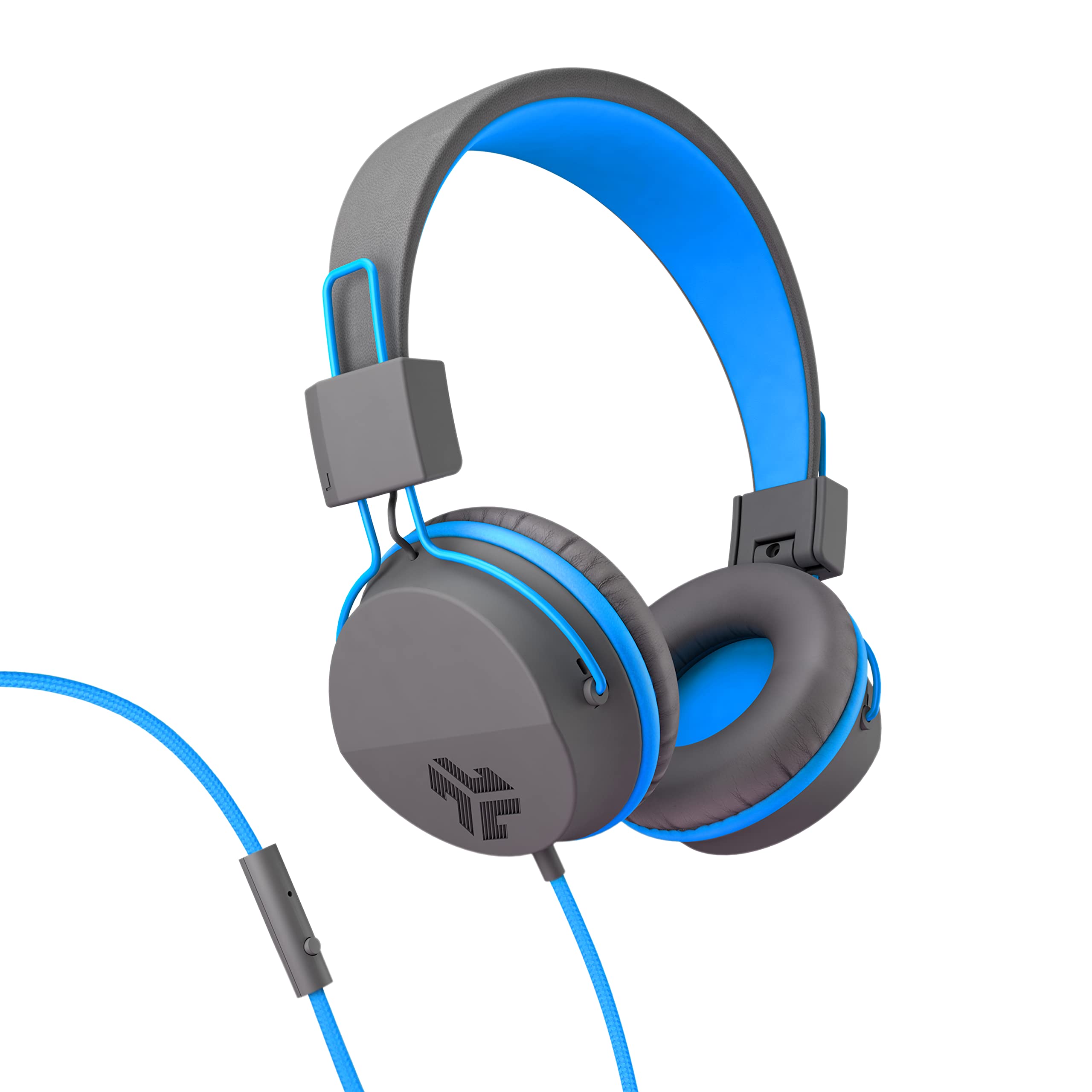
10,000+ ratings
Read Amazon ReviewsJLab Neon Wired Headphones
Pick Neon if a direct 3.5mm wired connection and avoiding charging are your priorities; Go Work fits better when Bluetooth multipoint and a repositionable boom microphone are more useful.
- Neon uses a standard 3.5mm audio jack and needs no charging, with an inline microphone and remote for calls, tracks, and volume adjustments.
- Go Work supports Bluetooth connections to computers and mobile devices, plus a wired cable option, and its boom microphone rotates away when you are listening.
Is Go Work Worth It?
JLab Go Work is worth considering for a desk-focused buyer who wants long playtime, two-device Bluetooth multipoint, a wired cable option, and headset controls suited to calls.
The rotating boom and mute indicator make the call-oriented design clear, while Work and Music EQ settings keep listening choices simple.
The main caveats are its on-ear fit and the need to judge microphone suitability for your call environment.
If those align with your routine, Go Work offers a practical mix of work controls and connection flexibility; buyers who need confirmed performance in windy conditions should check that point before choosing.
Your review at a glance
10,000+ ratings
Read Amazon ReviewsJLab Go Work
A work-focused headset for buyers who want long listening time, flexible device connections, and a boom microphone that moves aside between calls.
- Bluetooth multipoint connects to two devices simultaneously.
- A USB-C to 3.5mm AUX cable supports wired use.
- The boom microphone rotates away for listening and back into position for calls or video conferences.
- Dual microphones are used for calling, with one intended to pick up voice and the other to reduce environmental sounds.